Stake Login, Registration and Verification
Complete your Stake login with three steps in under 5 minutes. The verification process for Ireland is just as simple and makes it possible for you to sign in to your profile from any device, including PC, smartphones, and tablets. Registered Irish members enjoy access to tournaments, weekly raffle draws, and promo missions. They also have the luxury of playing more than 3,000 games that include progressive jackpots and live selections with cash prizes.
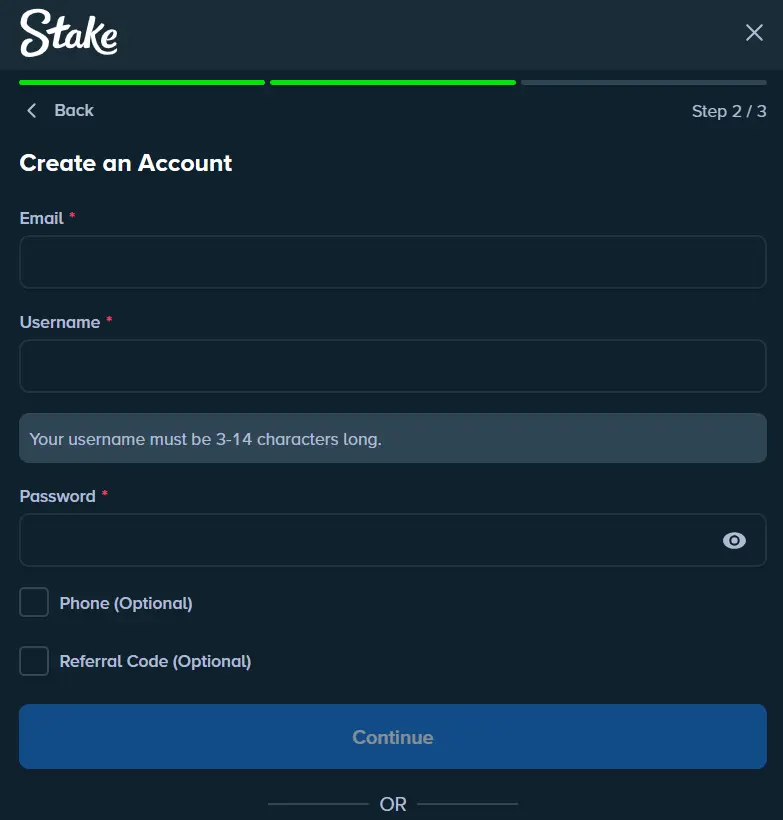
How to Register as an Irish Player
It takes three steps and the submission of a personal email and a unique password to create an account. Here is a step-by-step guide of the registration process to create a Stake account:
- Choose Your Language: Click the Register button in the top right corner of the screen and choose your preferred language.
- Basic Data Submission: Submit your personal email address and create a unique password in the relevant fields.
- Accept Terms and Conditions: The next step is to tick the box that confirms you are 18 years or older and agree to our terms and conditions and privacy policy.
Sign Up Requirements
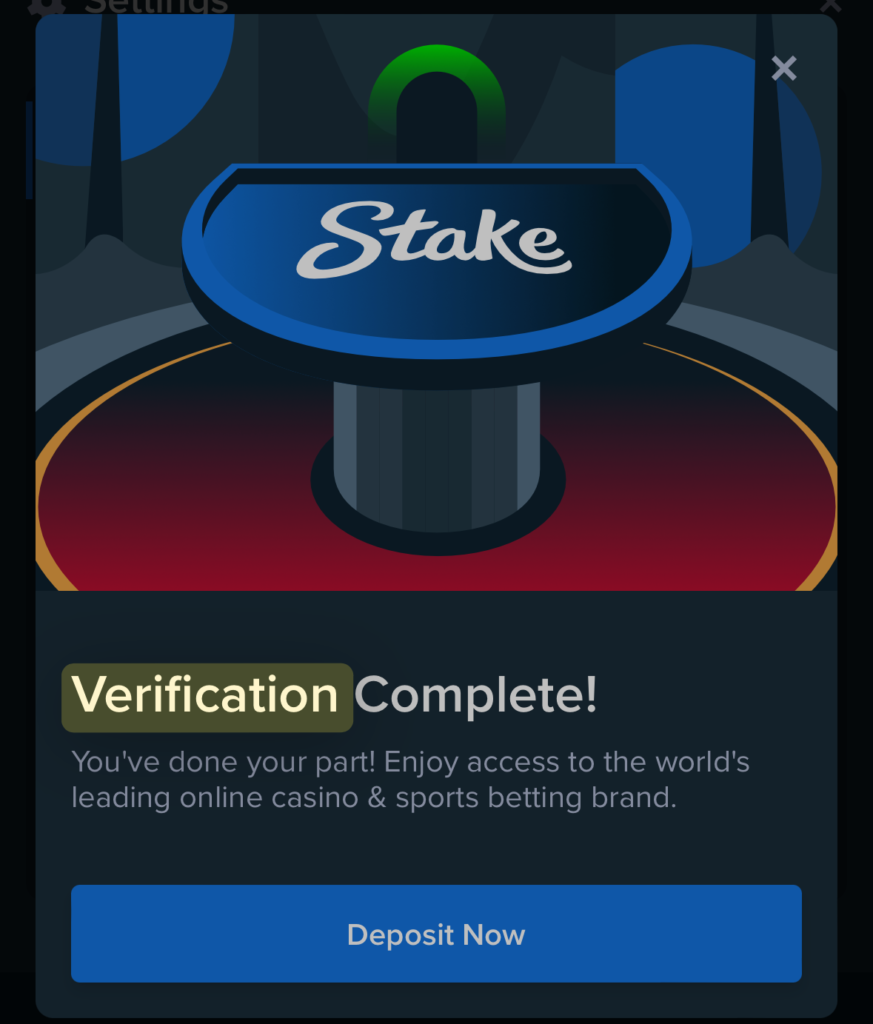
We make our sign-up process easy, only requesting that you submit a personal email, confirm that you are at least 18 years old, and agree to our terms of service and privacy policy. You will get your personal details with Stake login bonus after providing and confirming these details. However, to make a deposit and play real money games, we will request your full name and some personal info. Also, we will ask you to verify your email to activate your wallet.
Profile Verification for Stake Login
Players who have completed their sign-up process can verify their account by uploading documents of their identity and Irish residency in the provided field.
Click on the Human Profile in the top right corner of your screen and tap the Settings button from the list of options that comes up. You need to click on the Verification tab to kick off a 4-level verification process for the Stake Casino login, as shown in the table below.
See the steps to verify your profile:
| Verification Level | Details |
|---|---|
| 1: Submission of Details | You have to submit your full name, place of birth, country of residence, and mobile number. You won’t deal with this level if you have already submitted these details when attempting to fund your account for the first time. |
| 2: Identity Confirmation | You need to upload an image of your driving licence, passport, or a valid ID document to confirm your identity. |
| 3: Address Confirmation | This time, you have to upload a photo of your bank account statement, or a utility bill that confirms your Irish residency for the login Stake Casino. |
| 4: Source of Funds Confirmation | Upload a photo of a valid payment method that has been used to carry out transactions. |
Once verified, your sign-in data gets confirmed making you an established player with full access to all of our explosive offerings.
Sign-In Process
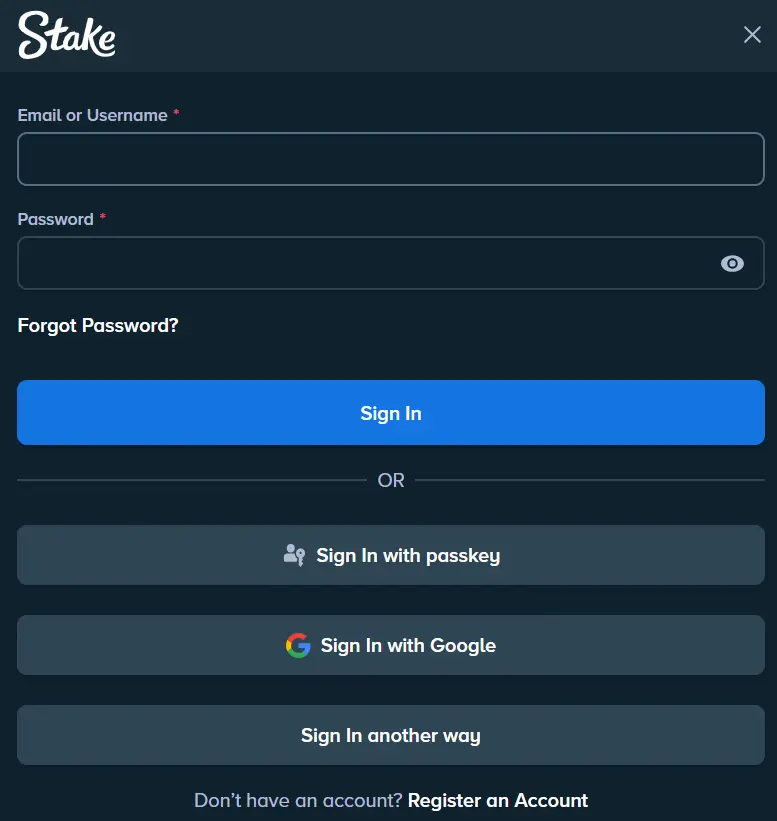
Signing in to your account is easy as you only need to provide the same email and password used for registration. With these details, you can access your account on any device if the Two-Factor Authentication system (2FA) is not active.
See how to sign in to your account.
- Click on the Login menu in the top right corner of the website beside the Register button.
- A new window for login Stake with fields to submit your email and password will come up. Ensure to fill in the right information, maintaining all capitalisations.
- Click the Log In button to access your profile
Mobile App Stake Casino Login
You can also access your account on an Android or iOS mobile device by simply heading to the mobile app sign-in page and submitting your registration email and password. The sign-up process for PC and mobile app users is similar. However the latter enjoys more flexibility and better personalisation.
You can install the mobile software from our official website using the Chrome or Safari browser. Also, a Two-Factor Authentication system (2FA) for Stake log in is available to reinforce the login process. You just need to download the Authy or Authenticator app.
Importance Of Your Personal Details
As a licensed casino that offers services to Irish players, our casino is mandated by law and bound by global gambling ethics to request members’ personal information for proper identification. It is only when we have your information that we can protect you and keep the community safe. We can keep out minors, and BOTs and provide more tailored services.
Every information that our members provide during their registration is safe, thanks to an active SSL encryption technology for Stake sign in bonus. Also, we have pro-player privacy that prioritises members’ confidentiality.
Possible New Players Sign-Up Issues
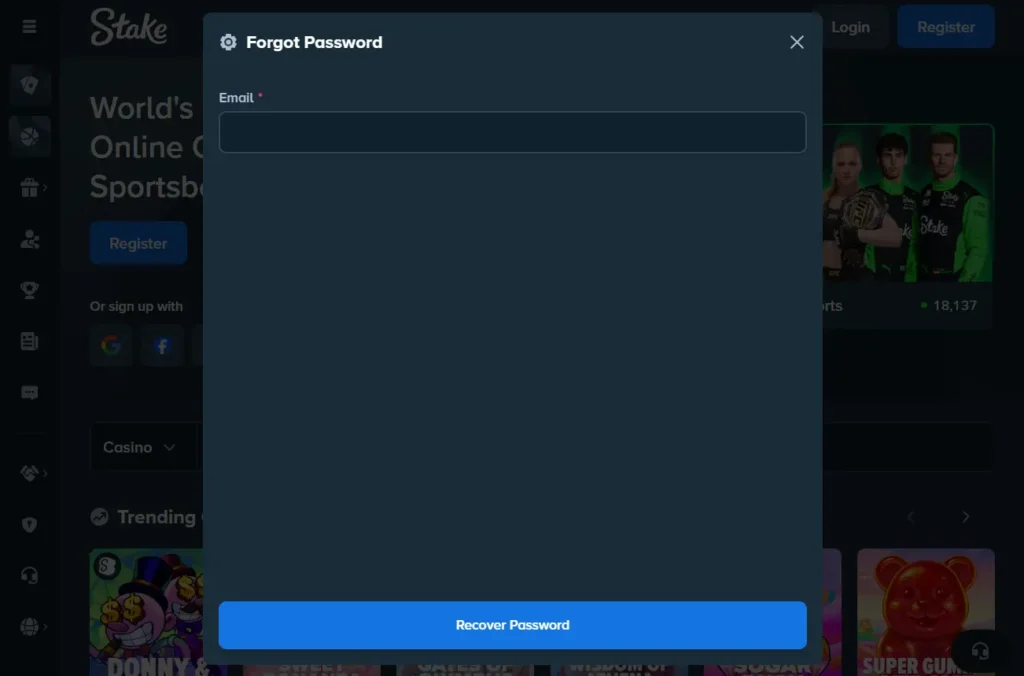
Typical login issues you will likely encounter include poor internet connection, 2FA issues, and rare website downtimes. We know that players, especially new members, occasionally deal with these concerns:
- Login Page not Loading: It is very likely that this issue is happening because of poor internet or website downtime. We recommend that you confirm your internet connection strength to rectify the issue. If still unresolved, then the problem may be a rare website downtime from our end, which we typically resolve within 1 hour
- Invalid Username for Stake Sign In or Password Error Message: These messages come up when attempting to log in because of misspellings in your sign-up email or password. Confirm that your password is properly capitalised to solve it
- Two-Factor Authentication Code Request: If your 2FA security system is activated, then it is not unusual for the website to request a unique code before allowing access with your email and password. Simply check your Authenticator or Authy app to retrieve the code.
How to Deactivate Your Stake Account?
You only need to contact customer support through live chat or email to put in an account deactivation request after the Stake site login. Our agent will be willing to help. You go through the process and give yourself the deserved break you have earned until you choose to come back. The steps below highlight how to deactivate your profile and delete your log-in details:
- Sign in to your profile and withdraw all cashable real money from your account.
- Next, go to the live chat window or support page to get our email address.
- Articulate your request to have your account deactivated. Email requests may take up to 2 hours to get a response, while live chat submissions are much quicker, with a 2-minute response rate.
- Our responding agent will confirm whether you desire to delete your account with Stake site sign in and may recommend other great temporary account suspension methods.
If you insist on deactivation, the agent will grant the request instantly and clear your registration from our database.